Categories
- Knowledge and help (92)
- Blog (220)
- Oberon (12)
- bioplasm nls (14)
- Diacom nls (20)
- Metatron Hunter 4025 NLS review (41)
- Metatron Hunter Manual (7)


Error messages in the Metatron Hunter 4025 NLS system typically fall into several categories: connection issues, software conflicts, hardware malfunctions, and operational errors. Understanding the nature of these errors is the first step toward effective troubleshooting. MAIKONG’s technical support team has compiled this guide based on years of experience supporting practitioners and clinics worldwide.
The Metatron Hunter 4025 NLS system may occasionally display error messages that require troubleshooting
Before attempting any advanced troubleshooting, always ensure your system is properly connected, the software is up to date, and you’re following the correct operational procedures as outlined in your user manual.
This is one of the most common errors encountered with the Metatron Hunter 4025 NLS system and typically indicates that the computer is unable to detect the device.

Ensure the USB connection is secure and properly oriented
Important: Never disconnect the Metatron Hunter 4025 NLS device while the software is running. Always close the software first, then disconnect the device to prevent data corruption and connection issues.
This error typically occurs when the connection between the Metatron Hunter 4025 NLS device and the computer is interrupted during operation.
Our technical team is available to help resolve persistent connection issues with your Metatron Hunter 4025 NLS system.
Call Us: 008613-51090-74-01
The Metatron Hunter 4025 NLS software relies on a comprehensive database of spectral etalons. Errors related to this database can prevent proper system operation.

Database errors in the Metatron Hunter 4025 NLS software require specific troubleshooting steps
The Metatron Hunter 4025 NLS system uses a USB dongle for software authentication. Issues with this security feature can prevent software operation.

The USB dongle must be properly connected for software authentication
Unexpected software crashes or freezes can occur during operation of the Metatron Hunter 4025 NLS system, particularly during intensive scanning processes.
| Common Crash Scenarios | Likely Cause | Recommended Solution |
| Crash during patient data entry | Database corruption | Repair database using built-in utility |
| Freeze during organ scan | Insufficient system resources | Close other applications, upgrade RAM |
| Crash when generating reports | Printer driver conflict | Update printer drivers, use PDF export |
| Software freezes randomly | Operating system compatibility | Verify OS compatibility, run in compatibility mode |
| Crash during therapy mode | Hardware communication error | Check connections, restart system |
System Requirements Reminder: The Metatron Hunter 4025 NLS software requires Windows XP/7/Vista/8/10/11 (not compatible with Apple macOS, Linux, or Unix), minimum 1 GHz Pentium III processor, 512 MB RAM, SVGA High Color 1024×768 video card, 1 GB free hard drive space, and two available USB ports.
Our software specialists can help resolve complex issues with your Metatron Hunter 4025 NLS system.
The headphone sensor is a critical component of the Metatron Hunter 4025 NLS system, responsible for capturing bioresonance data. Issues with this component can prevent accurate diagnostics.

The headphone sensor must be properly connected and functioning for accurate diagnostics
The testing cup and reprinter functions of the Metatron Hunter 4025 NLS system are used for preparation analysis and remedy creation. Errors in these components can affect these specialized functions.

The testing cup must be clean and properly connected for accurate preparation analysis
General hardware initialization errors with the Metatron Hunter 4025 NLS system may indicate more serious hardware issues that require systematic troubleshooting.
Warranty Information: The Metatron Hunter 4025 NLS system includes a 1-year warranty covering defects in material and manufacturing technology. For hardware issues within the warranty period, contact MAIKONG support for assistance before attempting any internal repairs.
For persistent hardware issues with your Metatron Hunter 4025 NLS system, our technical team is ready to help.
Technical Hotline: 008613-51090-74-01
Errors during the scanning or analysis process with the Metatron Hunter 4025 NLS system can affect diagnostic accuracy and patient assessment.

Scanning errors may interrupt the diagnostic process and require specific troubleshooting
The Metatron Hunter 4025 NLS system requires proper calibration for accurate diagnostics. Calibration errors can affect the reliability of results.

The calibration interface allows for precision adjustment of the Metatron Hunter 4025 NLS system
Issues with exporting data or generating reports from the Metatron Hunter 4025 NLS system can prevent proper documentation of diagnostic results.
| Export/Report Error | Common Cause | Solution |
| PDF generation fails | PDF driver issue | Update or reinstall PDF software |
| Image export error | Insufficient disk space | Free up disk space, check temp folder |
| Data export interrupted | Network connection issue | Check network stability, try local save |
| Report formatting error | Template corruption | Restore default templates |
| Cannot save patient report | File permission issue | Run software as administrator |
Our team can provide guidance on resolving operational errors with your Metatron Hunter 4025 NLS system.
Regular maintenance of your Metatron Hunter 4025 NLS system can prevent many common errors and ensure optimal performance over time. Following these preventive maintenance guidelines can significantly reduce troubleshooting needs.
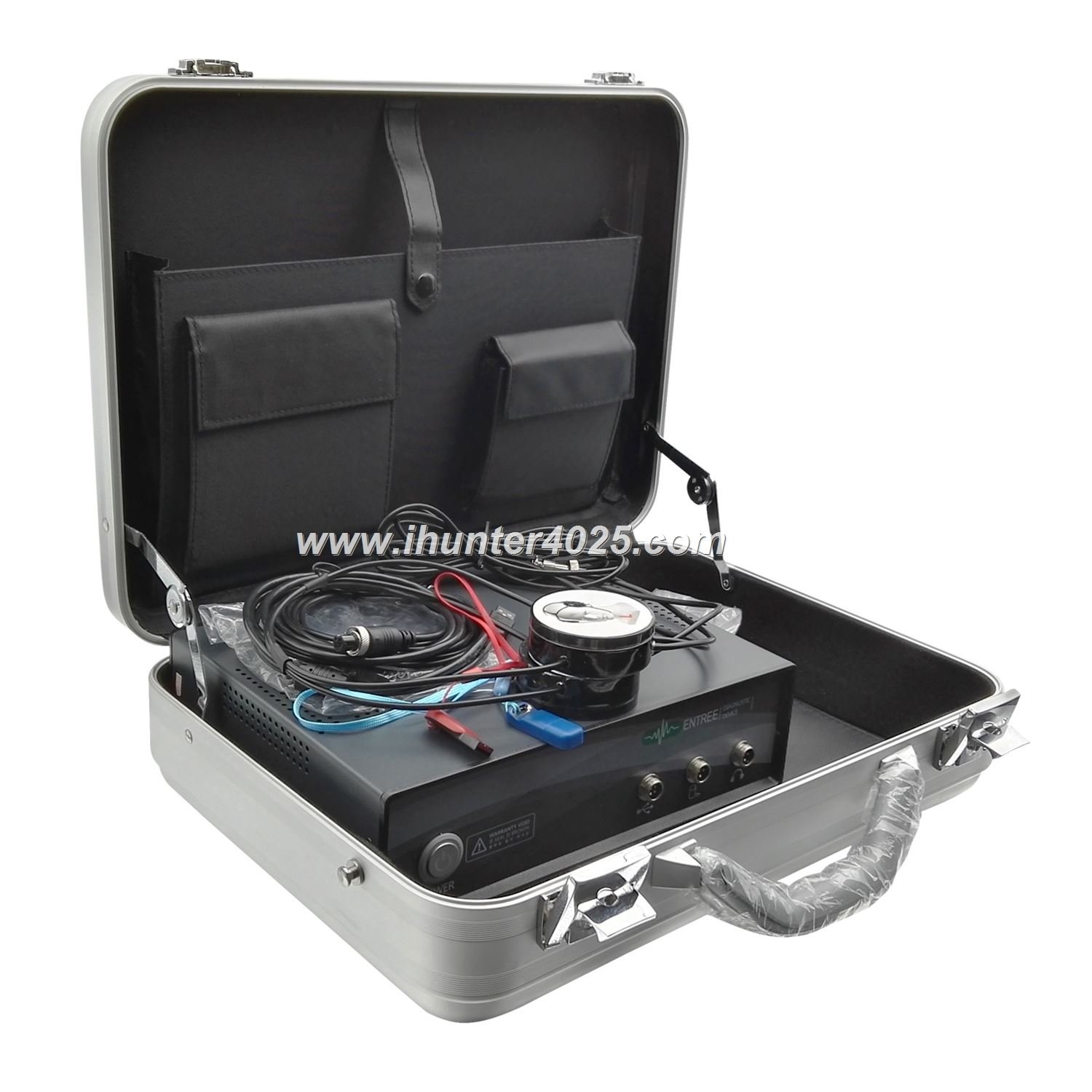
Regular maintenance helps prevent common errors with the Metatron Hunter 4025 NLS system
Maintenance Tip: Create a maintenance log to track when preventive maintenance tasks are performed. This can help identify patterns if errors begin to occur and provide valuable information if technical support is needed.
Ensuring your computer meets the minimum system requirements is essential for preventing many common errors with the Metatron Hunter 4025 NLS system. Below are the detailed specifications required for optimal operation.
| Component | Minimum Requirement | Recommended Specification |
| Operating System | Windows XP/7/Vista/8/10/11 | Windows 10 (64-bit) |
| Processor | 1 GHz Pentium III | 2 GHz dual-core or better |
| RAM | 512 MB | 4 GB or more |
| Hard Drive Space | 1 GB free | 10 GB or more |
| Video Card | SVGA High Color 1024×768 (8 MB) | Dedicated graphics with 1 GB memory |
| USB Ports | 2 USB ports | 3 or more USB 2.0/3.0 ports |
| Additional Hardware | CD-ROM drive | DVD drive, color printer |
| Power Supply | Standard | Uninterruptible power supply (UPS) |
Compatibility Note: The Metatron Hunter 4025 NLS software is not compatible with Apple macOS, Linux, or Unix operating systems. Virtual machine installations are not officially supported and may cause performance issues.
Understanding the technical specifications of your Metatron Hunter 4025 NLS system can help in troubleshooting and ensuring optimal performance. Below are the detailed specifications of the MAIKONG Metatron Hunter 4025 NLS system.
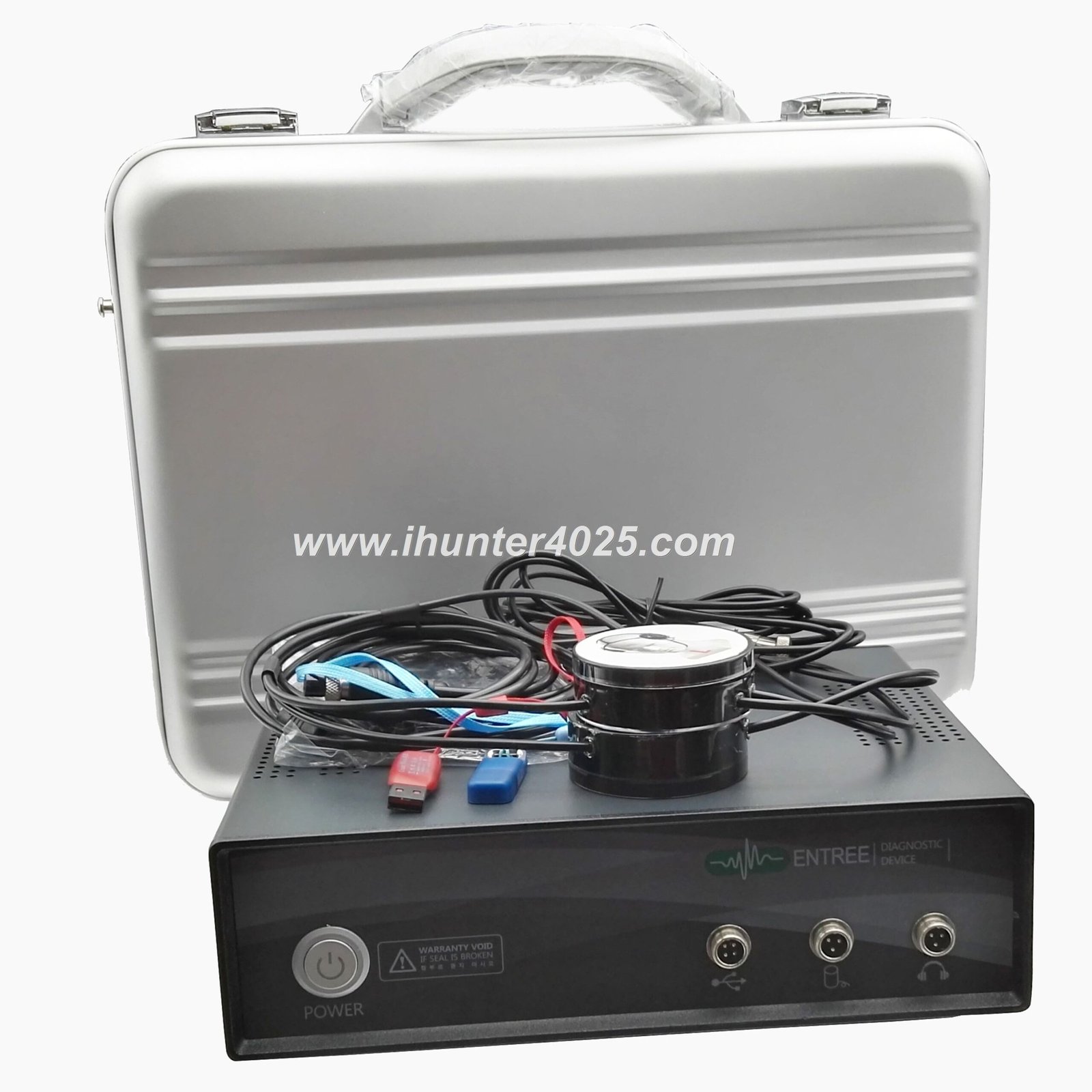
The Metatron Hunter 4025 NLS system features advanced technical components for precise diagnostics
| Component | Quantity | Purpose |
| Main Machine | 1 PC | Core diagnostic unit |
| Headphone Sensor | 1 PC | Bioresonance data collection |
| Blue USB Cable | 1 PC | Computer connection |
| Black Connecting Cable | 2 PC | Component interconnection |
| Testing Cup | 1 PC | Preparation analysis |
| USB Dongle for Software | 1 PC | Software authentication |
| DVD Software | 1 PC | Installation media |
| Aluminum Box | 1 PC | Storage and transport |
MAIKONG provides comprehensive warranty and support services for the Metatron Hunter 4025 NLS system. Understanding your warranty coverage and available support options can help expedite resolution of technical issues.
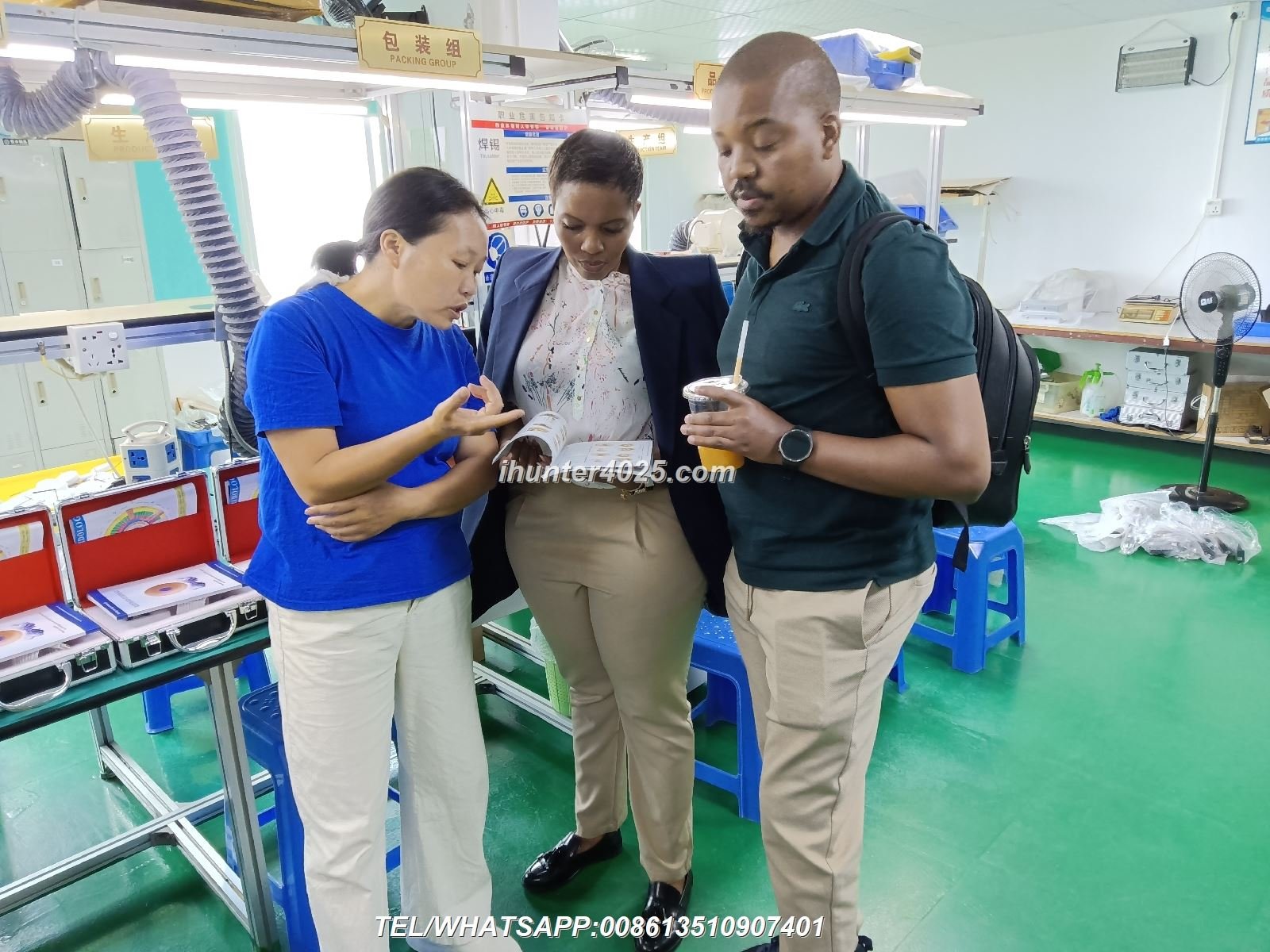
MAIKONG provides dedicated technical support for Metatron Hunter 4025 NLS users
The Metatron Hunter 4025 NLS system includes a 1-year warranty covering defects in material and manufacturing technology from the original date of delivery. MAIKONG will replace any defective parts, provided the housing has not been subjected to tampering, alteration, or improper use after delivery and has not been repaired by anyone except authorized technicians.
If you’re experiencing persistent issues with your Metatron Hunter 4025 NLS system or are considering an upgrade, MAIKONG offers several alternative systems with enhanced capabilities and features.


MAIKONG offers a comprehensive range of bioresonance diagnostic systems
Advanced diagnostic capabilities with enhanced scanning precision and expanded database of spectral etalons.
Next-generation diagnostic system with advanced analytical capabilities and expanded therapy options.
Professional-grade system with comprehensive diagnostic and therapeutic capabilities for clinical settings.
Discover our complete range of non-linear diagnostic systems and find the perfect solution for your practice or wellness center.
The Metatron Hunter 4025 NLS system is a sophisticated diagnostic tool that provides valuable health insights through advanced bioresonance technology. While occasional error messages may occur, most can be resolved through the troubleshooting steps outlined in this guide. Regular maintenance, proper system setup, and adherence to operational guidelines can prevent many common issues and ensure optimal performance.
MAIKONG is committed to providing exceptional support for all users of the Metatron Hunter 4025 NLS system. Our technical team is available to assist with complex issues that may not be resolved through standard troubleshooting procedures. With proper care and maintenance, your Metatron Hunter 4025 NLS system will provide reliable diagnostic capabilities for years to come.
Our technical support team is ready to help with any issues not covered in this guide.
Contact via WhatsApp
Email Support
Call Us: 008613-51090-74-01
Visit our website: https://ihunter4025.com