Creating Practitioner-Specific Report Templates in Metatron · body
Quick answer
Create a focused, one-page clinician summary that pulls the Metatron Hunter 4025’s core outputs (short diagnosis summary, prioritized organ status, top pathomorphology flags, microorganism/allergen hits, and a concise action block) and pair it with a longer appendix (Images with Epicrisis, full organ list, supplements/allopathy references) — use neutral clinical language, explicit scope-of-practice disclaimers, and consistent file naming so staff can act on findings without reinterpreting raw Hunter reports.
Contents
Who this article is for
We wrote this for a Functional Wellness Practitioner in the United States who needs Metatron report templates that reliably translate device outputs into clinically usable documents for intake, treatment planning, and monitoring. You want templates that reduce interpretation noise for practitioners and staff, keep patient-facing language clear, and meet basic documentation and referral needs in a U.S. practice — without forcing a rigid procurement checklist.
What a Metatron report actually contains you must plan around
Direct evidence: why these report elements matter for clinical readability and U.S. compliance
Two practical implications drive template design. First, the Metatron output is broad: 886 organs and hundreds of etalon entries make raw reports unusable for most visits. Your template must reduce noise and surface high-priority items for the clinician. Second, vendor-reported accuracy in the mid-to-high 90s suggests the device can be informative, but not decisive. In U.S. clinical practice that means using neutral, corroborative language and directing actionable recommendations toward diagnostics, monitoring or non-urgent supportive care rather than definitive medical diagnoses.
We therefore build templates that separate: (A) a single-page clinical snapshot for in-consult use, and (B) a detailed appendix for reference and documentation. This preserves the device’s diagnostic breadth while giving clinicians a concise tool to make decisions consistent with their scope of practice.
Risks and limits you must record in every template
Creating Practitioner-Specific Report Templates in Metatron · body
Do not present Metatron outputs as stand-alone medical diagnoses or as a substitute for licensed medical assessment. Include a clear scope-of-practice statement, recommend confirmatory testing when a finding would change urgent care, and note any device-specific limitations (for example, the vendor lists meridian analysis and emotional analysis as available but does not provide chakra, blood group, or iris analysis). If a clinical action would normally require orderable lab tests or imaging, direct the clinician to obtain those before altering major treatment plans.
Step 1 — Define the practitioner template goal
Creating Practitioner-Specific Report Templates in Metatron · body
Start by choosing one of three template goals. Each requires different fields and a different way of prioritizing Metatron outputs.
Screening: Rapid intake for new clients. Goal: surface 4–8 potential systems of concern and any red-flag markers (e.g., high pathomorphology priority or multiple organism hits). Keep it to a one-page snapshot with suggested next steps.
Intake + plan: Baseline for a first-treatment visit. Goal: give a short diagnosis summary, suggested tests, prioritized nutraceuticals/allopathic references and a 30–90 day monitoring plan.
Monitoring follow-up: Track response to an intervention. Goal: side‑by‑side comparison of current and prior key metrics, delta notes and concrete next actions (maintain, step-down, refer).
Step 2 — Choose the short summary (one-page) elements every practitioner needs
Creating Practitioner-Specific Report Templates in Metatron · body
Every clinician-facing one-page needs the same skeleton. Keep it rigid and predictable so practitioners can scan it in 30–60 seconds.
Direct answer (one-line): A one-sentence clinical takeaway framed neutrally — e.g., “Primary signals: digestive mucosa dysregulation and elevated susceptibility to Candida spp.; recommend confirmatory stool PCR and dietary step-down.” Keep this actionable but cautious.
Top 3 organ/system priorities: Short list with severity (mild/moderate/marked) and a one-line rationale.
Top pathomorphology flags: 1–3 items with short clinical implications (e.g., inflammatory pattern vs degenerative).
Microorganisms & allergens: Show only those above the configured filter threshold; include specimen-based confirmatory suggestions where appropriate.
Suggested follow-up actions: Prioritized by immediacy — urgent referral, confirmatory testing, conservative support (nutrition, lifestyle), or monitoring interval.
Red flags & limits: Short mandatory box: “Findings require medical confirmation before medication changes.”
Appendix pointer: Link to full “Images with Epicrisis”, full organ lists and etalon references stored in the patient record.
Step 3 — Map Metatron report outputs to practitioner fields
Below is a practical field mapping we use when building templates. Map device outputs to the report fields your clinicians actually use in decisions — not every etalon value.
Key mapping rules
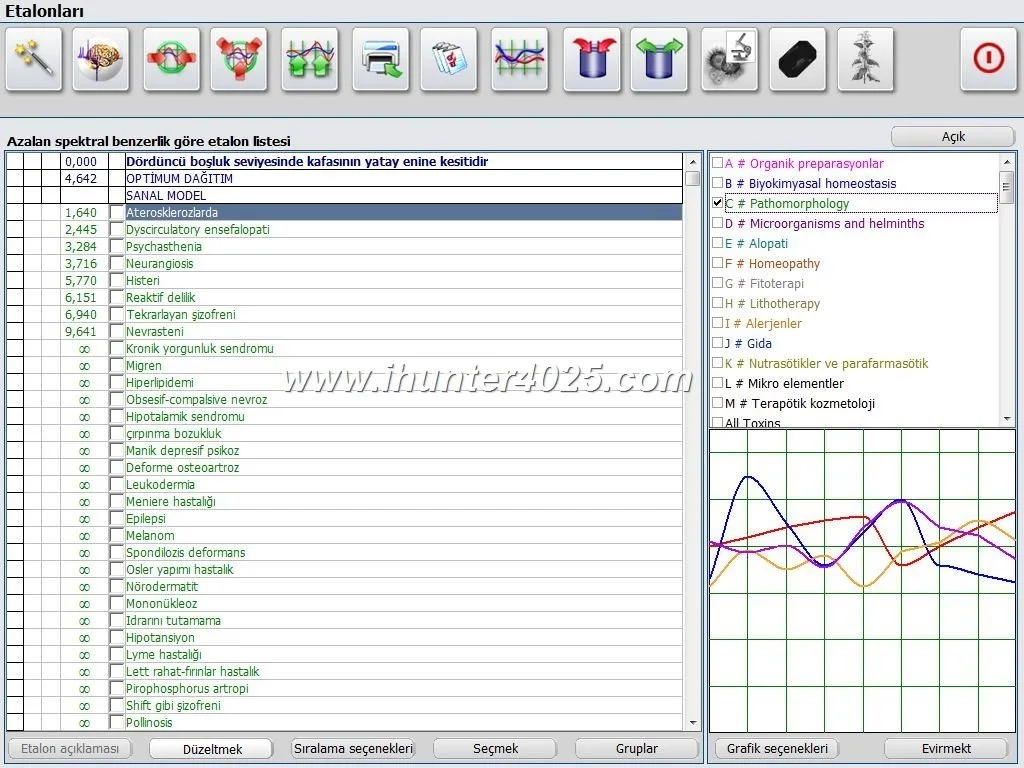
Only import the device’s top-ranked organ scores to the one-page summary. Leave the full numeric list in the appendix.
Translate etalon names into clinic-standard terms where possible (e.g., map vendor pathomorphology labels to “inflammatory,” “fibrotic,” “degenerative”).
For supplements and nutraceutical suggestions, include vendor names but add an internal column for contraindications and interactions; do not recommend dosage unless your clinic authorizes it.
Suggested field mappings
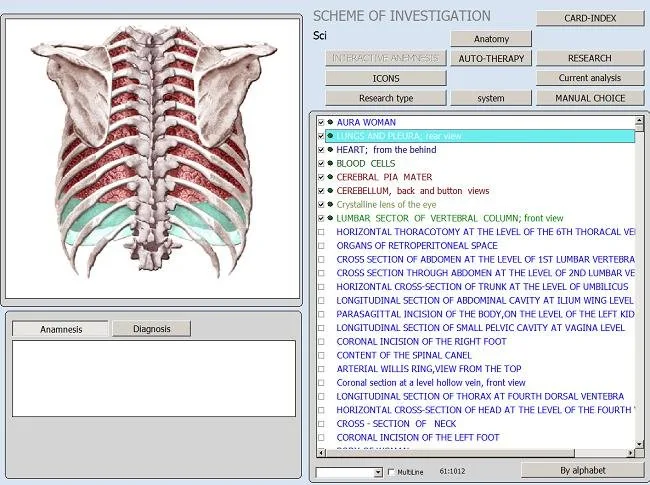
Diagnosis Summary — map to the device’s highest-priority organ/system outputs and the Epicrisis summary.
Organ Status — show top 3–5 organ/system names with severity and one-line meaning.
Pathomorphology — show up to three pathomorphology labels with clinical takeaway language.
Microorganisms — show species-level hits above threshold, plus recommended specimen test (PCR, culture) phrasing.
Allergens & Food Sensitivities — show only high-priority items and recommended elimination trial guidance phrased as “consider an elimination trial and symptom monitoring”.
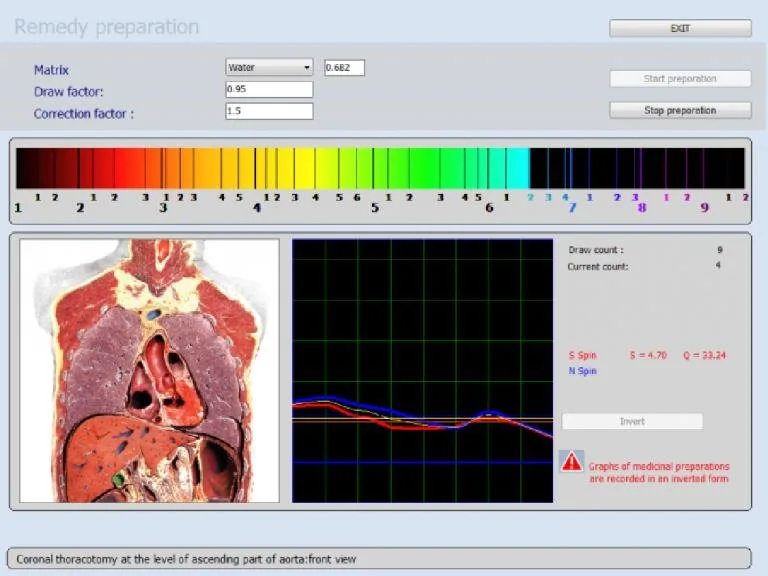
Nutraceutical Suggestions — present vendor suggestions as references with a column for clinician judgment and suggested marker to monitor (labs or symptoms).
Meridian & Emotional Findings — include as optional observational notes for practitioners who use them clinically; keep them secondary to organ/pathology items.
Step 4 — Build the visual layout: order, headings, and the one-page snapshot
Design matters. A clinician-friendly layout is predictable, compact and scannable.
Recommended order
Header + one-line Direct Answer
Top 3 organ/system concerns (left column)
Top pathomorphology flags and microorganisms (center)
Suggested immediate actions (right column)
Red flags box (bottom)
Appendix link or QR code to “Images with Epicrisis” and full report
Images + Epicrisis considerations
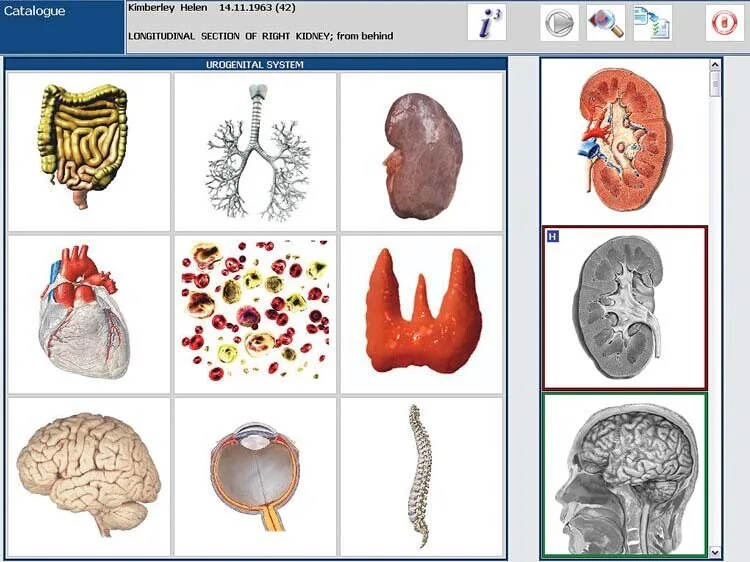
The vendor’s report format “Images with Epicrisis” is useful but often large. In the one-page snapshot include a thumbnail of the Epicrisis graphic plus a caption summarizing the Epicrisis conclusion in plain language. Store full-resolution images in the clinic record and link to them from the one-page PDF. When exporting, save images as PNG or JPEG for viewing and compress the archive for storage; PDFs should embed the low-res thumbnail and an anchor or file path to the full image.
Step 5 — Standardize language and clinical limits
Templates must protect both patient safety and your legal position. Use neutral phrasing and explicit scope statements.
Recommended phrasing examples
Neutral finding: “Scan indicates elevated resonance in the small intestine region, pattern suggestive of mucosal dysregulation.” — avoids definitive disease language.
Follow-up recommendation: “Recommend confirmatory stool PCR and clinical correlation prior to antimicrobial therapy.”
Scope statement (required): “This report summarizes non-invasive bioresonance scan outputs from the Metatron Hunter 4025 and is for practitioner use only. It is not a substitute for diagnostic testing ordered by a licensed physician.”
Documentation and compliance tips
Include the scanner model and software version on every report header (e.g., Metatron Hunter 4025 — Hunter).
Keep a changelog of template versions and who approved them clinically.
Train staff to never alter the device’s original Epicrisis files; create version-controlled exports only.
Step 6 — Add actionable sections for practitioners
Turn the device output into clinical actions. Each template should have a compact action block that lists prioritized recommendations with monitoring plans and referral triggers.
Prioritized recommendations (example ordering)
Immediate: red-flag triggers (refer to ED or physician) — e.g., markers that correlate with acute organ compromise or urgent pathology.
Confirmatory testing: lab or imaging recommended before medication changes.
Supportive care: diet, hydration, and conservative nutraceuticals to begin while awaiting tests.
Monitor: timeline for re-testing (e.g., re-scan in 4–12 weeks depending on the intervention).
Monitoring plan template (short)
Metric(s) to track (symptoms, lab values)
Next appointment: date range
Re-scan trigger: percentage change or new symptom
Referrals: indication-based (MD, GI specialist, infectious disease)
Documentation checklist for the chart
One-page snapshot saved as PDF
Full “Images with Epicrisis” saved in original format and compressed archive
Clinician signature or electronic sign-off
Patient-facing summary (plain-language) included in after-visit instructions
Step 7 — Templates for three common practitioner types
Here are concrete templates tailored to three typical functional-wellness roles. Each shows what to include on the one-page snapshot and what to omit from front-page exposure.
Naturopathic / Functional Medicine clinician
Include: Direct Answer, top 5 organ priorities, pathomorphology pattern, microorganisms with confirmatory test suggestions, nutraceutical references (vendor list + internal note column), monitoring timeline.
Omit from the front page: full etalon tables, long Allopathy lists, low-priority allergen lists.
Why: These clinicians make integrative plans; they need clear next-step testing and supplement references but should avoid raw vendor lists that overwhelm decision-making.
Chiropractor / Acupuncturist
Include: Direct Answer, musculoskeletal/spinal-related organ overlaps, meridian findings (if the practitioner uses them), top pathomorphology entries relevant to spinal/neuromuscular status, red flags for urgent medical referral.
Omit from the front page: detailed nutraceutical suggestions and broad allergen lists unless requested.
Why: These clinicians need clarity on structural patterns and referral triggers more than broad microbiology lists.
Nutritionist / Health Coach
Include: Direct Answer, digestive/liver/pancreas priorities, food sensitivity high-priority list (filtered), nutraceutical suggestions flagged as “clinical support only” with monitoring markers, plain-language patient handout.
Omit: raw pathomorphology etalon lists and complex meridian data.
Why: Coaches need dietary and lifestyle actions they can implement between medical reviews.
Step 8 — Export, integration and file-format best practices
Use consistent exports to keep your clinic organized and defensible.
Full report and images: ZIP archive containing original “Images with Epicrisis” files + a full CSV of organ scores. Filename: YYYYMMDD_LastName_FirstName_FullReport.zip
Low-res thumbnails for quick access: PNG embedded in the PDF snapshot.
Integration workflows
Manual EHR upload: Attach the snapshot PDF to the patient chart, put the full ZIP in a secure document repository with a link in the chart.
Automated: If you have middleware, map the snapshot PDF to the chart note and store the ZIP in a document folder. Do not attempt to auto-interpret vendor etalon data into structured diagnosis codes without clinical review.
Version control: Keep the original device export archived; any clinician edits must be saved as a new file with a version suffix.
Create a one-page PDF layout and fill with sample fields from a previous scan (redact patient info).
Set thresholds for which microorganism/allergen items appear on the one-page summary.
Draft three scope-of-practice phrases and choose the clinic-approved wording.
Test export: ensure “Images with Epicrisis” files are saved, compressed and retrievable from the chart.
Optional FAQ
Q: Should we show all suggested nutraceuticals on the front page?
No. Show only the top 1–3 vendor-recommended supplements tied to the primary finding and move the full list to the appendix. Add a clinician column for contraindication checks so staff do not treat the vendor list as prescriptive.
Q: How often should we re-scan a patient?
That depends on your clinic protocol and the clinical question. Use the Metatron scan for baseline, then for monitoring select intervals tied to the intervention (e.g., 6–12 weeks for nutrition changes or sooner if symptoms change). Always document the rationale in the chart.
Q: Can we use Metatron results for urgent clinical decisions?
No. Treat Metatron outputs as adjunctive information. If the device flags a potential urgent condition, add immediate medical referral language and recommend confirmatory testing before altering acute care or prescribing medication.
Implementation example — one-page snapshot mock fields (textual)
Microorganisms: Candida spp. (above threshold) — suggest stool PCR; H. pylori — borderline (recommend breath test only if symptoms).
Actions: 1) Order stool PCR; 2) Start elimination of high-sugar foods and begin targeted probiotic; 3) Re-scan in 8–12 weeks.
Appendix: Full “Images with Epicrisis” file linked in chart (see folder path).
How we can help
We design practitioner-specific templates for Metatron Hunter reports and can provide package options that include a one-page snapshot, three discipline-tailored layouts (Functional Medicine, Chiropractic/Acupuncture, Nutrition), and staff training on interpretation and export workflows. Pricing and configuration vary by clinic size and training needs; we provide quotes on inquiry.
Contact Lucy at Lucy@ihunter4025.com or WhatsApp/phone +8613510907401 to request a tailored configuration or quote. You can also review product details on our site: Metatron Hunter 4025.
We are accepting inquiries from U.S.-based clinics and qualified distributors interested in local representation. If you are evaluating resale opportunities or clinic deployment, use the same contact details above.
Editorial notes and obligations
Where the device suggests supplement lists or named remedies, our templates present them as vendor references, not clinic prescriptions. Clinics must adopt their own approval and contraindication checks before recommending any supplement or therapy.
Next step
If you want a ready-to-use template bundle for one or more practitioner types (PDF snapshot, Word/HTML template, staff training checklist and a sample export workflow), request a tailored quote from Lucy@ihunter4025.com or WhatsApp/phone +8613510907401. Tell us which practitioner role you want first, the EHR or record-keeping system you use, and whether you prefer a single combined intake or separate templates per discipline.
This article is for general information and clinical workflow planning only. It does not replace professional medical diagnosis or treatment and should not be used as a sole basis for medical decisions.
This content is provided for learning, information sharing and professional communication only. It is not medical advice and is not a basis for treatment or diagnosis. Confirm suitability, operation and purchasing requirements against the product manual, local regulations and qualified professional guidance.