NLS Analyzer Lifetime Software: What U.S. Home-Based Wellness Practitioners Need to Know · body
Quick answer
Contents
What suppliers commonly mean by “lifetime software” — practical definitions to confirm
In seller language, “lifetime software” can mean several different licensing realities. For your home studio you should ask the seller to specify which of these apply:
Perpetual single‑PC license: the software binary and license key work indefinitely on one registered workstation; no time limit but may be bound to that machine.
Perpetual but transferable license: you can move the license to a new PC after transfer steps — confirm whether a seller charge or re‑registration is required.
Lifetime usage plus updates: the license includes future minor software updates and database additions; confirm the scope (major version upgrades are often extra).
Lifetime hardware+software bundle: the package ties the software license to supplied hardware (scanner/generator); removing or replacing hardware can void the license.
For purchasing decisions, the label “lifetime” is only useful if a seller documents the license terms in writing. Ask for a license summary showing permitted number of installations, update policy, hardware lock details and transfer procedure.
What the Hunter software (used with Metatron-style devices) actually includes — supplier‑confirmed capabilities
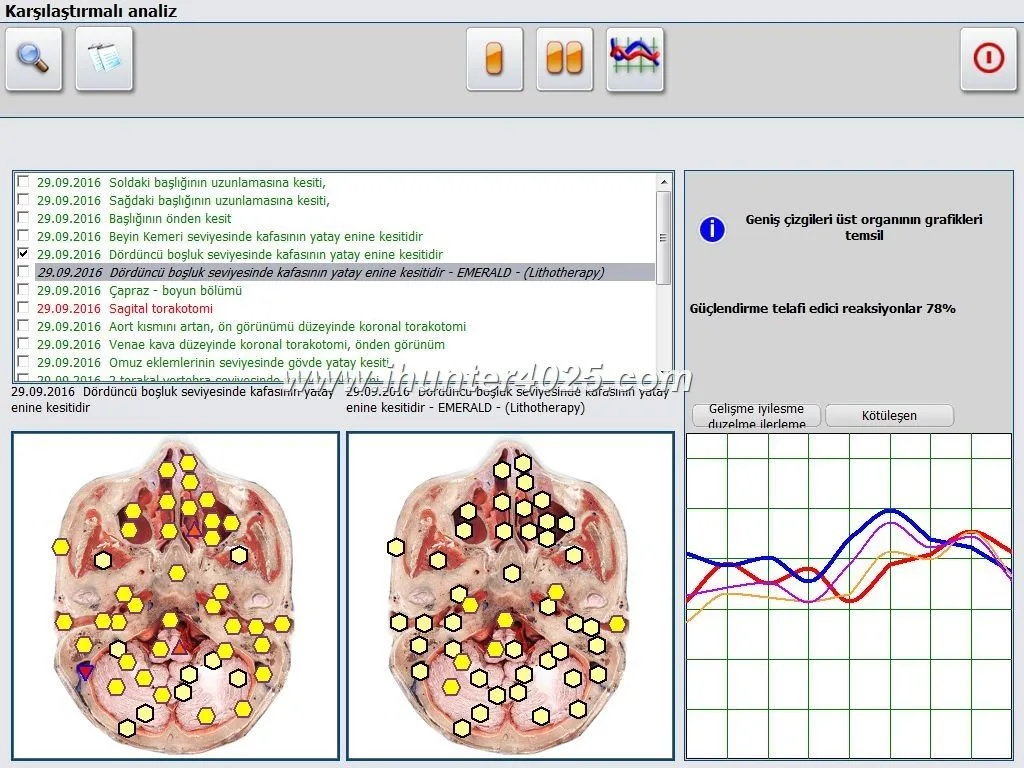
Below are the supplier‑reported capabilities for the Hunter software (2026 edition) as used with Metatron‑style devices we list. These are the product facts you can treat as seller statements and verify in writing before purchase.
Model
Software
Reported accuracy
Scanning method
Report format
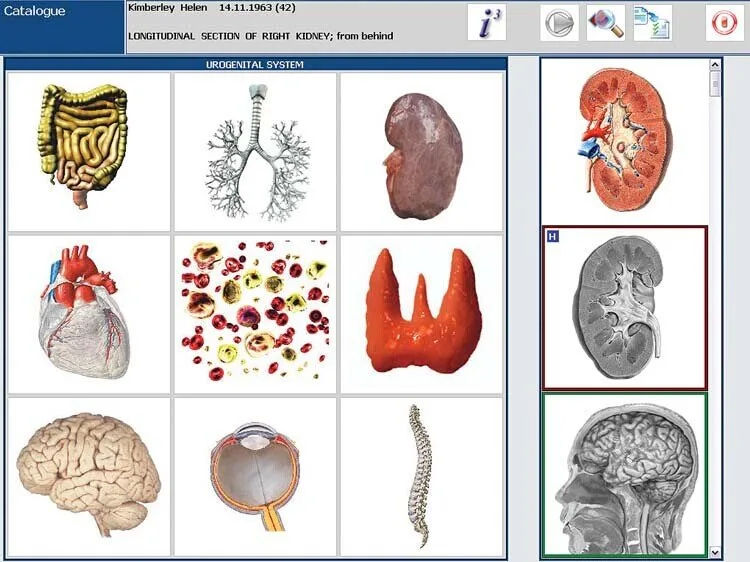
The Hunter package lists additional content counts that matter for interpretation: number of organs catalogued (886), pathomorphologies (688), microorganisms/helminths (171), homeopathy entries (1,498), allergens (181), allopathy entries (967) and nutraceutical/parapharmaceutical entries (1,159). These counts describe the software’s database breadth and should be confirmed for the exact edition you receive.
How these supplied product facts change a home‑studio decision
For a single‑practitioner home studio, three practical buyer questions follow directly from the supplier facts:
Does the reported accuracy (95%–98%) match the tasks you expect to do? That number is a supplier claim about internal matching/fit algorithms; it does not equate to clinical diagnostic accuracy under U.S. regulatory standards. Treat it as an indicator of algorithm performance within the vendor’s testing, not a guarantee of clinical outcomes.
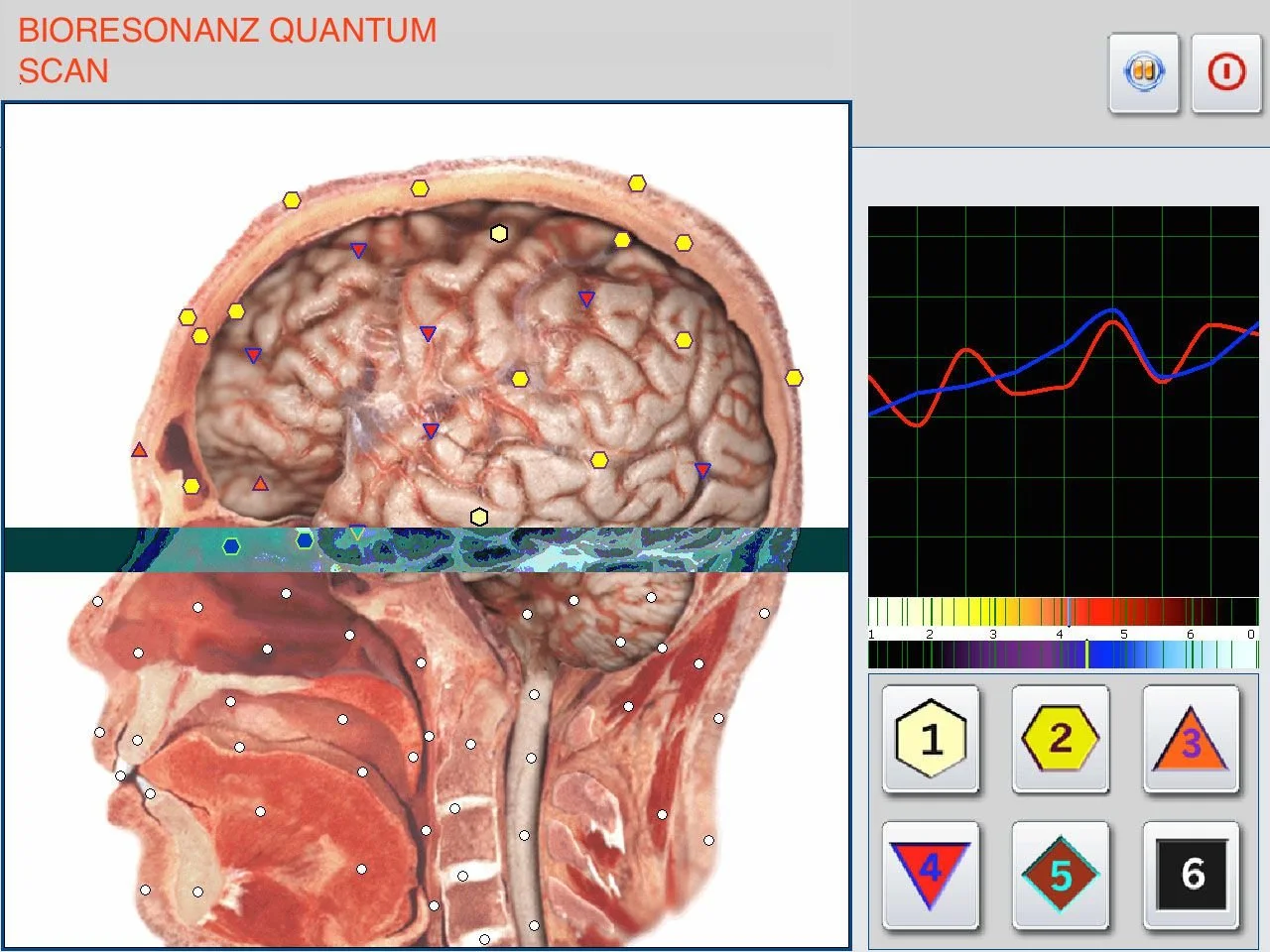
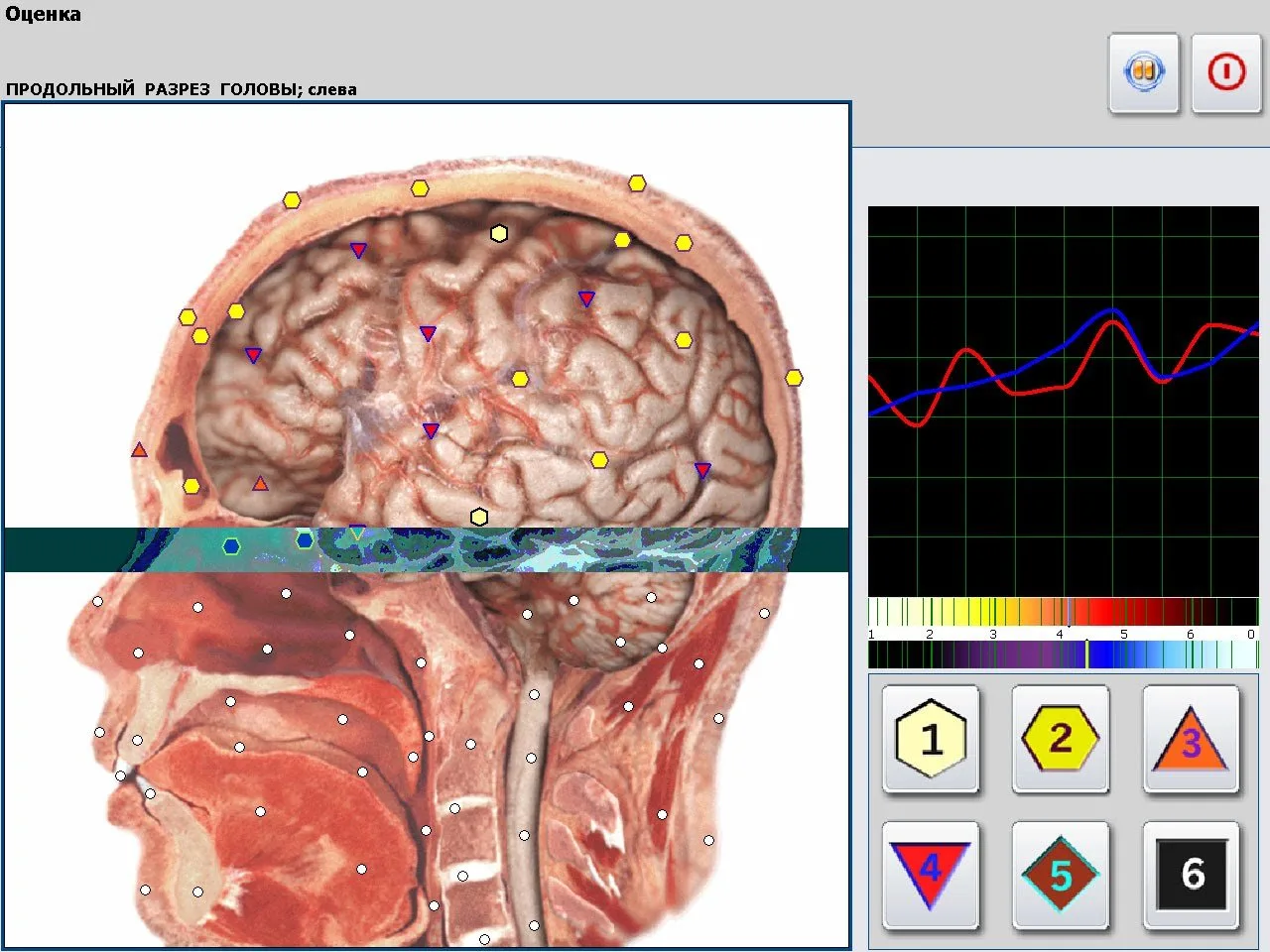
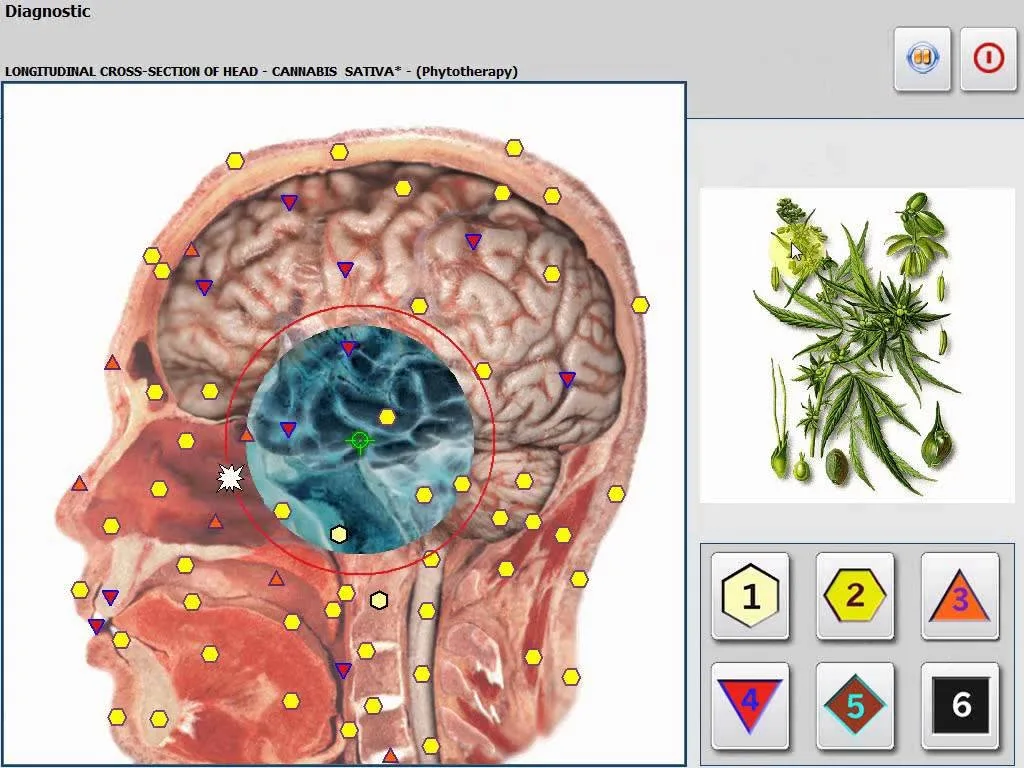
Is the scanning method appropriate for your workflow? Auto 3‑D Spiral and biological‑resonance scanning are non‑contact or sensor‑assisted scanning approaches typical of NLS systems; they are fast and intended for screening and biofeedback patterns rather than definitive medical diagnosis. For a busy home practice, “fast” scanning saves chair time but verify whether scans require special probes or calibration steps.
Are the report outputs usable for client records? Reports are delivered as “Images with Epicrisis” — that is, images plus an interpretive summary. Confirm whether the output is printable, exportable as PDF, and whether you can edit or annotate the epicrisis for charting and consent records.
In short: these facts make Hunter suitable as a practice screening and client‑engagement tool in a wellness studio, provided you align your scope of practice and consent materials accordingly. They do not convert the device into a medical diagnostic instrument under U.S. law.
Compatibility checklist: supported Windows versions, workstation basics and minimum checks for reliable operation
NLS Analyzer Lifetime Software: What U.S. Home-Based Wellness Practitioners Need to Know · body
Software compatibility determines whether your existing computer is usable or whether you’ll need a new workstation. Supplier listings show supported systems; verify exact installers and drivers for the edition you buy.
Supported Windows versions (supplier list): Hunter editions we sell list support for Windows 11, Windows 10, Windows 8, Windows 7. A related Metatron 4021 listing also names Windows XP in its supported systems. Confirm which installer you receive and whether the seller supplies a 64‑bit or 32‑bit installer. Do not assume XP-era installers will run cleanly on modern OSes without a compatibility layer.
Workstation hardware — practical baseline: 8 GB RAM, an SSD, dual‑core CPU or better, USB 2.0/3.0 ports, a stable wired internet connection for activation and updates. For reliable image reports, a 1920×1080 display helps with readability.
Security and permissions: Run installation with administrative rights, ensure antivirus/endpoint software does not quarantine the installer, and isolate patient data into encrypted folders if you store reports locally.
Driver and USB dongle checks: If the license is hardware‑locked (USB dongle or device serial), confirm which drivers are required and ask for a driver download link or packaged installer.
What the software license typically does and does not cover — updates, database modules and multi‑PC use (questions to confirm with the seller)
NLS Analyzer Lifetime Software: What U.S. Home-Based Wellness Practitioners Need to Know · body
Sellers commonly bundle a base program plus optional database modules. For clarity, ask directly and get written confirmation on the following items — treat them as negotiation points, not assumptions.
Does “lifetime” include free database updates that add organ entries, remedies or new modules, or are updates charged separately?
Is the license node‑locked (one PC), hardware‑locked (tied to the supplied device or dongle), or floating (multiple installs with concurrent use limits)?
Are language packs and report templates part of the license, or add‑ons?
Are major version upgrades (for example a move to “Hunter 2027”) included?
Does the seller provide remote activation and re‑issuance in the event of a hard drive failure or PC replacement? If transfer costs exist, what are they?
What technical support is included with the license (installation help, driver support, training videos, live assistance)?
Request answers in writing and, where a lifetime claim is made, ask for the exact license text or a seller‑provided End User License Agreement (EULA) that defines these points.
Practical steps to verify a lifetime license claim before purchase (what to ask and what proof to request)
NLS Analyzer Lifetime Software: What U.S. Home-Based Wellness Practitioners Need to Know · body
Use this short verification script with any seller. Ask that they reply by email and attach or link to proofs where available.
“Please send the exact license wording or EULA that defines ‘lifetime’ for this Hunter/NLS software.”
“Confirm whether the license is bound to an individual PC, a hardware dongle, or the supplied Metatron device. If hardware‑bound, provide the serial or dongle model used for activation.”
“List which software modules and database counts are included in the lifetime price (organ count, remedies, allergen database, etc.).”
“State update policy: are minor updates and database additions free? Are major version upgrades included?”
“Provide the exact supported Windows installers and whether 64‑bit versions are supported.”
“Can I have a short demo video of the installation and a sample exported report (no client identifiers) to verify output format?”
“Please confirm warranty, shipping lead time, MOQ and whether training or technical support is included in the purchase.”
Keep the seller’s replies as part of your purchase record. If they cannot or will not provide written license terms, treat “lifetime” as an unverified marketing claim.
Installation and setup steps for a home‑based practitioner (download, install, basic configuration and first scan checklist)
NLS Analyzer Lifetime Software: What U.S. Home-Based Wellness Practitioners Need to Know · body
We outline the usual steps a home studio will follow after receiving a Hunter/NLS lifetime license bundle. These are procedural checkpoints — follow the seller’s installation guide where it differs.
Pre‑installation
Prepare a clean Windows workstation matching the supported OS the seller confirmed.
Back up any existing health records and disable aggressive antivirus during install (re‑enable after manual whitelisting).
Gather licence key, dongle (if supplied), device serial and seller’s download link or installation media.
Install software
Run the installer as an administrator; follow prompts. If a dongle is present, plug it in only when the installer requests it.
Install any USB drivers included by the seller and reboot if required.
Activate license
Use the activation procedure provided (online activation or offline key entry). Record the activation ID in your practice files.
If activation fails, request remote activation steps or a one‑time activation code from the seller in writing.
First configuration
Set language, date/time locale and report export preferences (PDF, image format, or internal archive).
Confirm database modules included and check that the reported organ counts match the seller’s claim (886 organs for MK‑018, etc.).
Calibration and test scan
Run a test scan on yourself or a staff member and save the report. Verify report readability and that the epicrisis summary exports correctly.
Check meridian analysis and food/emotional analysis features are present if those are needed for your consultations.
Confirm that the scan time matches your scheduling expectations (the seller lists “fast” scanning; test it against your appointment length).
Data handling
Create secure folders for client scans, apply local encryption where practical, and implement a retention policy consistent with HIPAA if you handle protected health information (see Operational limits below).
Operational limits and responsible use in a home setting
For home‑based wellness practitioners in the U.S., it’s essential to frame NLS/Hunter outputs as screening and biofeedback information, not medical diagnosis.
SCOPE OF PRACTICE: Unless you have a regulated license that allows medical diagnostics in your state, present NLS outputs as informational insights that complement client history and observable signs. Avoid presenting results as definitive disease diagnoses.
CLIENT CONSENT: Use a clear intake and consent form that explains what the device does, what “accuracy” means in seller terms, and how you’ll use results in planning wellness recommendations.
DATA PRIVACY: If you keep client data, follow applicable privacy rules. If you handle PHI, consult HIPAA guidance: local practice setups may require business associate agreements if storing PHI in the cloud or sharing with third parties.
MAINTENANCE: Keep the device and software updated per vendor instructions. Understand who provides technical support for activation, driver issues, and data recovery.
CLIENT COMMUNICATION: Provide context with every report: explain that the report is algorithmic, based on the seller’s database, and intended to support — not replace — medical advice.
Evidence summary: supplier‑confirmed facts you can use in your decision
These are supplier‑reported facts from our product listings; use them as checkpoints during verification requests and before you finalize a purchase.
Metatron 4021 (MK‑017): software shown as 4021 NLS, supported systems include Windows 11, 10, 8, Windows XP among listed OS variants in the product snapshot. (supplier product page)
Use these exact values when you ask the seller whether the license you will receive corresponds to the same data edition.
Checklist to include in an RFQ or inquiry when you need a lifetime license or permanent software copy
Copy and paste these items into your email inquiry to get a focused, comparable response from sellers. Keep your own needs short and specific.
Dear [Seller],

I am a U.S.-based home wellness practitioner. Please provide written confirmation for the following for the Hunter (Metatron) package:

1. Exact license wording or EULA for the "lifetime" software.
2. Is the license node-locked, hardware-locked, or transferable? If hardware-locked, list the device/dongle serial or type.
3. Which database modules and counts are included? Please confirm organ, pathomorphology, microorganism, homeopathy, allergen, allopathy and nutraceutical entry counts.
4. Do minor updates/database additions come at no extra charge? Are major version upgrades included?
5. Supported Windows installer(s): 64-bit/32-bit specifics and whether Windows 11/10/8/7 are supported for the edition you will supply.
6. A sample (anonymized) exported report in PDF or image form.
7. Warranty, MOQ, lead time, training and technical support details.
8. Activation and transfer process if I replace my PC.

Please attach the EULA and a link to the installer and sample report.

Regards,
[Your name, practice name, city, state]
Short FAQ for home practitioners
Q — If a seller says the license is “lifetime”, can I assume updates are included?
No. “Lifetime” often covers use of the shipped software indefinitely, but may exclude future major upgrades or charged database modules. Always request the update policy in writing.
Q — Will Hunter reports integrate with my existing practice management software?
Integration depends on the export formats the supplied Hunter edition supports. We recommend requesting a sample exported report (PDF or image) and asking whether the seller can provide CSV or structured export for EHR import. If integration is critical, confirm before purchase.
Q — Can I use the license on two computers (one at home, one on the road)?
Only if the license explicitly permits multi‑PC use. Many “lifetime” licenses are node‑locked or hardware‑locked to one active workstation. Ask the seller for transfer rules or a multi‑seat option.
Q — Are the listed database counts proof of diagnostic validity?
No. Entry counts (for organs, remedies, etc.) show database breadth and are supplier declarations about included material. They do not validate clinical effectiveness or regulatory acceptance — treat them as feature counts rather than proof of clinical performance.
Known limitations and risks you should record
Supplier accuracy claims (95%–98%) are vendor statements about algorithmic matching — they are not regulatory validation or a substitute for medical diagnosis.
Country‑specific electrical or installation requirements are not provided in the supplied product facts. If the device includes hardware with specific power or certification needs for U.S. use, verify voltage, plug type and any local compliance requirements before purchase.
Where seller documents are missing (EULA, activation policy), treat “lifetime” as unverified — do not finalize payment without written license terms.
Company‑declared certifications (for example ISO 9001 or CE listed on our company profile) are seller declarations. Do not infer U.S. FDA clearance or medical device registration from these marks unless the seller provides explicit, verifiable regulatory documentation applicable to your intended use.
One practical next step (how to request a quote or configuration)
If you want a written RFQ or to confirm a lifetime Hunter license for a Metatron 4025 (MK‑018) or Metatron 4021 (MK‑017) bundle, email us with the short checklist above. Include your intended use, destination (U.S.), desired model, configuration (software only or hardware+software), quantity and whether you require training. We will respond with a written quotation and the license wording we propose for your purchase.
We design our product listings and buyer guidance to help small, home‑based wellness practitioners make a single, evidence‑backed decision: verify license text, confirm technical compatibility with your Windows version, and collect a sample report before purchase. The Hunter packages we supply list the database breadth and scanning method above; use those numbers when you compare offers. If you plan to offer scans as part of client consultations, prepare consent language and a privacy workflow beforehand.
If you’d like to discuss becoming a U.S. distributor or local reseller for our Metatron Hunter product line, mention “U.S. distribution” in your RFQ email and include your business profile; we welcome conversations from experienced local partners.
This article is provided for general information only and does not replace professional medical advice, diagnosis or treatment. It is not intended as a medical diagnosis. For clinical questions, consult a licensed health professional.
This content is provided for learning, information sharing and professional communication only. It is not medical advice and is not a basis for treatment or diagnosis. Confirm suitability, operation and purchasing requirements against the product manual, local regulations and qualified professional guidance.