HIPAA Data Flows for Metatron NLS Scans: Practical Guidance for US Integrative Clinics · body
Quick answer
Yes — Metatron NLS scan outputs can be managed under HIPAA if your clinic treats every scan and report as protected health information, documents where patient identifiers appear, and applies standard HIPAA administrative, physical and technical safeguards (access controls, encryption in transit and at rest, logging, retention and secure disposal). A Metatron session produces images with an accompanying epicrisis (report) that must be handled the same as other clinical imaging; see the evidence section for the device’s declared report format and software details. Start by isolating the Metatron workstation from general office shares, enforcing unique user accounts with role-based rights, encrypting stored reports, and logging all exports before attempting any EHR integration or email transmission.
Contents
Direct answer: Can Metatron NLS scan data be handled under HIPAA in a US clinic?
Yes — but only when the clinic treats the Metatron session outputs as PHI and implements the same HIPAA-required safeguards applied to other clinical imaging and reports. Practically, that means (a) recognizing Metatron outputs as clinical data (images + epicrisis), (b) eliminating or tightly controlling any workflow that writes patient identifiers to unsecured files, and (c) placing the Metatron workstation and its export paths inside your clinic’s HIPAA control boundary (encrypted storage, user authentication, documented access and backups). Do not assume the device or bundled software provides HIPAA compliance by itself; compliance is achieved through administrative policy, environment configuration and technical controls under your clinic’s responsibility.
Evidence: what the Metatron device produces and company-declared facts
From the vendor’s product information, the Metatron Hunter 4025 runs Hunter software and delivers reports in a format described as “Images with Epicrisis” — a combined image and written report output that contains clinical interpretation and therefore qualifies as clinical data that must be protected. We cite the device product facts for planning and configuration decisions (data-fact-id:122). The vendor also lists supported operating systems (Windows 11/10/8/7) and declares accuracy and scanning characteristics relevant to how you will store and label outputs; treat these specifications as vendor-reported, not regulatory or clinical validation.
These outputs are not simply anonymous measurement logs; the combination of images and epicrisis commonly contains clinical impressions and, when paired with patient identifiers, becomes directly attributable PHI. That is why the downstream design decisions (where files land, what metadata is stored, and who can export) determine HIPAA risk.
Risks and limitations you must recognize
We do not have evidence that the Metatron device or its bundled software is a HIPAA-certified appliance. Vendor product facts describe features and report formats, but they do not substitute for your clinic’s HIPAA risk analysis. Where vendor documentation is missing (for example, explicit encryption-in-transit behavior of the Metatron software), you must treat the gap as an operational risk and either mitigate it in your environment or seek clarification from the vendor.
Also note: vendor-stated “accuracy” or analysis categories are product claims and do not change how you classify the reports for privacy purposes. Clinical use decisions and medical record retention remain your clinic’s responsibility.
Which reader this article answers
HIPAA Data Flows for Metatron NLS Scans: Practical Guidance for US Integrative Clinics · body
This guide is written for the clinic compliance officer or IT manager at an integrative/functional wellness clinic in the United States who must map Metatron NLS scan outputs into a HIPAA-compliant clinic workflow and decide immediate technical and administrative controls.
What a Metatron session produces — treat it as clinical data
HIPAA Data Flows for Metatron NLS Scans: Practical Guidance for US Integrative Clinics · body
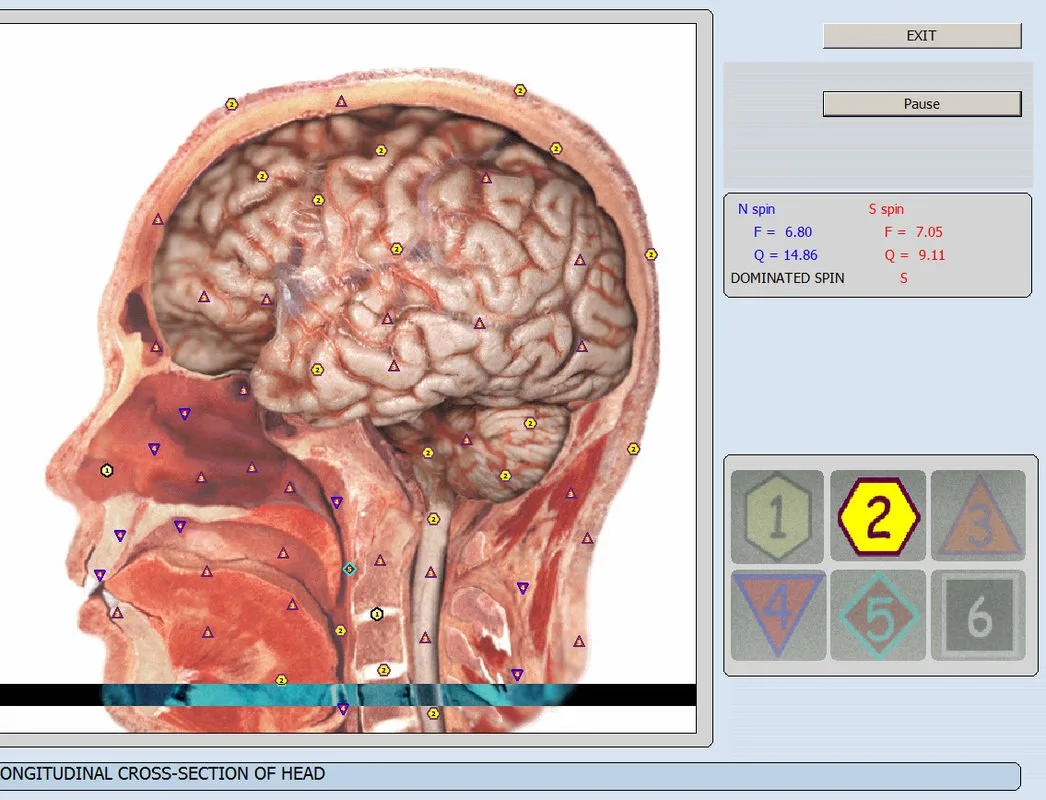
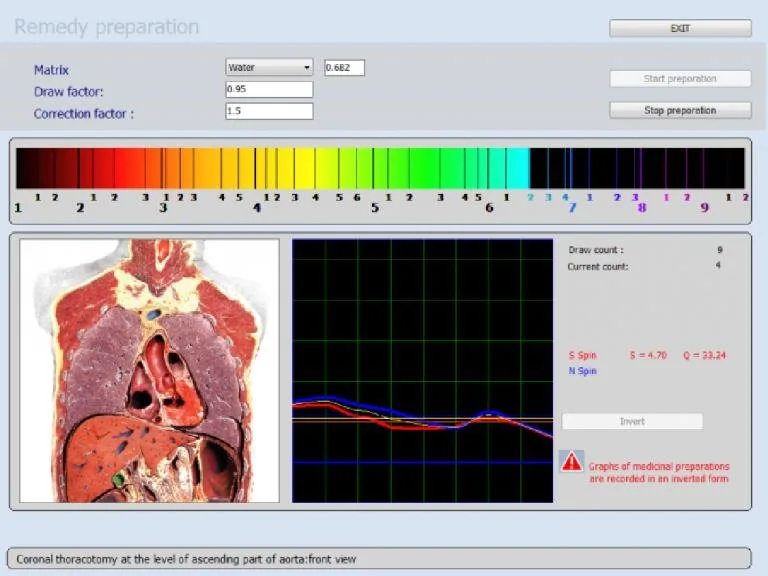
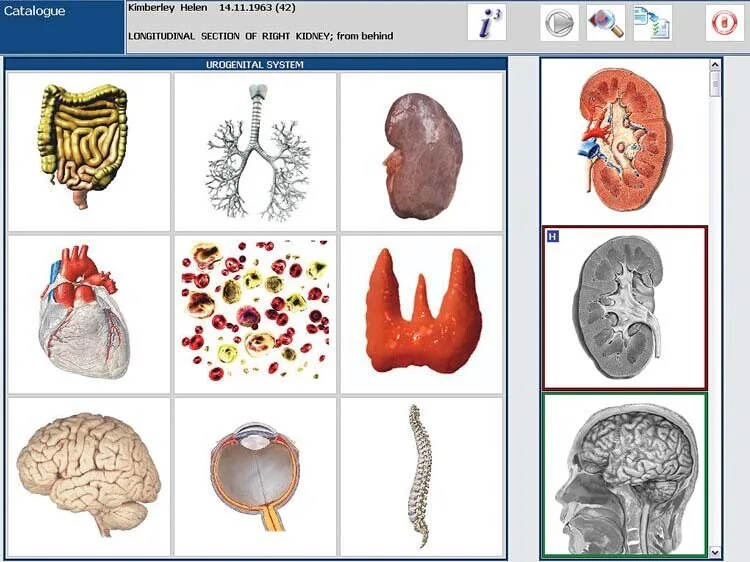
The Metatron Hunter 4025 produces diagnostic outputs described by the vendor as “Images with Epicrisis” (data-fact-id=”122″). That means scans are accompanied by a report-style summary. For HIPAA purposes, consider the complete output — image files, the epicrisis text, and any embedded metadata — to be clinical data when associated with an identified or identifiable patient.
Where PHI appears in a Metatron workflow
HIPAA Data Flows for Metatron NLS Scans: Practical Guidance for US Integrative Clinics · body
Registration and intake: patient name, DOB, clinic ID and medical notes entered in your intake system or session log.
Workstation session files: temporary files, scan images and the epicrisis generated by the Hunter software; sometimes filenames or report headers contain names or clinic IDs.
Exported reports: PDFs, images, or ZIPs created for patient copies or referrals that may include identifiers in headers or file properties.
Shared files and EHR entries: when staff import a Metatron report into an EHR, that stored copy becomes part of the medical record and is PHI.
Backups and cloud sync: automated backups, cloud folders or third-party sync agents that include Metatron report directories.
Typical technical data flows in a Metatron deployment
Below is a high-level mapping of common paths you will see in clinics. Each arrow is a control point for HIPAA risk.
Metatron workstation (Hunter software) → local session directory → clinic image repository or secure EHR import
Metatron workstation → exported PDF/ZIP → secure SFTP or encrypted email to referring provider
Metatron workstation → printed report → patient pocket copy or charting → scanned and retained in local medical record
Metatron workstation → backup agent (local server or cloud) → archive retention
At every arrow you must decide: encrypt in transit? restrict access? log the event? apply redaction? Those decisions determine whether the flow meets HIPAA technical safeguards.
Primary HIPAA risk points for Metatron deployments
Workstation endpoints: an unlocked or shared Windows account can expose recent scans to non-clinical staff.
File exports and temporary files: PDFs and images often persist in user Downloads folders or temporary caches.
Network transfers: unencrypted email or unsecured shares can expose PHI in transit.
Cloud backups and sync clients: consumer sync services (Dropbox, Google Drive without Business-grade controls) frequently violate clinic policies unless documented and contracted.
Removable media and printed copies: USB drives and paper reports are high-probability loss vectors.
Access controls and audits: lack of per-user logging makes incidental disclosures hard to detect and investigate.
Minimum administrative controls your clinic must set before scanning
Administrative controls are the foundation. Without them, technical controls are brittle.
Policy declaration: a written policy that Metatron outputs are PHI and will be handled per the clinic’s HIPAA privacy and security policies.
User roles: define minimum roles (e.g., Scanner Operator, Clinician Reviewer, IT Administrator) and restrict who can export or delete reports.
Training: at least annual training for staff who operate the Metatron workstation covering PHI handling, authorized exports and incident reporting.
Access logging requirement: require that the workstation and any server receiving reports maintain audit logs that retain user, timestamp and file actions for your retention period.
Consent and disclosure documentation: include Metatron imaging in your notice of privacy practices and ensure patient consent/disclosure matches intended sharing (e.g., referrals, research, marketing substituted with opt-in language if relevant).
Recommended technical controls for Metatron workstations
The device runs on Windows variants per vendor data (see above). Configure the workstation using standard healthcare IT hardening practices:
Unique user accounts: disable shared local accounts. Use individual Windows accounts tied to clinic identity management if possible.
Least privilege: scanner operator accounts should be non-admin; only IT staff should hold admin rights for updates.
Full-disk encryption: enable BitLocker or equivalent on the workstation to protect at-rest data if the device is lost or stolen.
OS and application patching: maintain a documented patch cycle for Windows and the Hunter software.
Endpoint protection: enterprise AV/EDR installed and monitored to reduce malware risk to stored reports.
Screen lock and session timeout: require automatic lock after short inactivity and a strong password for unlocking.
Disable unnecessary network shares: ensure the Metatron session directory is not a general network share accessible to non-clinical staff.
File-level encryption for exports: require password-protected encrypted PDF or container files for any emailed or transferred report.
Secure storage and backups for Metatron reports — checklist and retention considerations
Choose one primary storage approach; both are acceptable if you implement the checklist below.
Local encrypted storage (on-site server)
Store final reports on a secured clinical file server inside your HIPAA boundary.
Apply at-rest encryption and role-based ACLs; avoid storing reports on user desktops.
Implement scheduled backups to an encrypted backup vault; protect backup keys separately.
Document retention periods consistent with state law and your record retention policy; ensure secure deletion at end-of-life.
Managed server or cloud under Business Associate Agreement (BAA)
Only use cloud storage providers that will sign a BAA for PHI (for example, healthcare-grade services from established vendors; confirm via contract).
Enable server-side and client-side encryption; prefer end-to-end encryption for highly sensitive reports.
Use SAML/SSO or multi-factor authentication for access to cloud consoles; log and export audit trails regularly.
Retention considerations: retention periods must meet applicable state medical record laws and your clinical policy. Retain audit logs at least as long as the records they protect. For secure deletion, document the deletion method and verify with digest-based or file-system-level evidence when required.
Options for integrating Metatron reports with your EHR securely
There are three practical integration patterns, each with trade-offs. Choose based on your EHR capabilities, in-house IT expertise, and compliance posture.
1) Manual import (clinic workflow)
Export the Metatron report as an encrypted PDF to a secure import folder accessible by authorized clinicians, then import into the EHR. Pros: low technical complexity; good control over what enters the record. Cons: manual steps increase human error and audit gaps.
2) Secured SFTP transfer (recommended where automation is needed)
Configure the Metatron workstation or a local intermediary service to place export files on an SFTP server inside your HIPAA boundary or with a vendor who will sign a BAA. Pros: auditable, automatable, fewer manual errors. Cons: requires IT setup and monitoring; key management is critical.
3) API-based integration (when available)
If your EHR accepts inbound clinical documents via a secure API and you can develop/contract an integration, this provides the cleanest automated path. Pros: immediate, auditable ingestion into patient chart; scalable. Cons: development cost, requires testing to ensure report formatting and metadata map correctly; ensure API contracts include BAA and enforce TLS and authentication best practices.
Handling printed reports, patient copies and third-party transfers
Paper and removable media are common leak sources. Apply these controls:
Printed reports: print only when necessary; use a secure networked printer in a controlled area; require staff to collect prints immediately and log printed report type and patient identifier.
Patient copies: provide encrypted PDF on request or print on-demand; obtain written acknowledgement when giving a patient a physical copy outside the chart.
Third-party transfers: require written patient consent for transfers outside direct care or use a minimum-necessary principle when sharing with external providers. Use encrypted email or SFTP and document the transfer with recipient identity, purpose, and transport method.
Courier and physical media: use locked courier services and encrypt any removable media; log chain-of-custody and enforce media sanitization procedures when decommissioning.
Seven-step clinic checklist you can apply today
Declare Metatron outputs as PHI in your privacy and security policies and add scanning to the staff training curriculum.
Put the Metatron workstation on a locked clinical subnet and remove it from general-purpose file shares.
Create unique operator accounts, disable local admin for operators, and enable session timeouts and BitLocker.
Configure all exports to produce password-protected PDFs; ban unsecured email for sending reports.
Decide where final reports will reside: on-site encrypted file server or BAA-backed cloud — document the choice and retention rules.
Implement logging: capture file creation, export, delete and access events with timestamps and user IDs; review logs monthly or on a change event.
Define and test an incident response step: containment, forensic preservation, patient notification decision, and documentation tied to your breach notification policy.
Incident response checklist for a compromised Metatron report
Isolate the workstation and preserve logs and disk images.
Identify which reports/PHI were accessed or exported.
Assess whether PHI was egressed outside your control (email, cloud, USB).
Follow your breach-notification policy and state law thresholds for patient notification.
Engage your privacy officer or outside counsel for evaluation where uncertainty exists.
Practical sample patient-consent snippets and documentation guidance
We cannot provide legal text, but operationally your consent and intake form should:
Name the Metatron scan as an imaging procedure and note that findings will be documented in the patient’s medical record.
State intended data uses (treatment, referrals) and whether anonymized data might be used for quality or research with separate consent.
Obtain explicit permission for electronic transmission to third parties and identify the method (encrypted email, SFTP, or secure portal).
Work with your compliance counsel to integrate specific language required by state law and your clinic’s policies.
Validation tests and operational checks you should run before going live
Simulated end-to-end transfer: run a test patient through scan → export → EHR import and document each audit event.
Encryption verification: confirm exported PDFs are actually password-protected and cannot be opened without the password.
Access control audit: verify only authorized accounts can view the Metatron session directory and exported reports.
Backup/restore test: restore a sample report from backup to validate your retention and decrypt process.
When to involve vendors or external experts
Engage the Metatron vendor when you need vendor-supplied details about software behavior you cannot confirm (for example, whether the Hunter application uses TLS for any network transfer or whether exports include hidden metadata). Bring in external compliance counsel or a third-party HIPAA assessor if your clinic is unsure about how state medical record retention laws affect storage duration and deletion methods.
Declared certifications and vendor promises
MAIKONG declares certain quality and market certifications for its products (for example, ISO 9001 and CE marking are listed in company information). Those declarations reflect manufacturer documentation and do not by themselves establish HIPAA suitability or clinical validation. For any regulatory or procurement decision, ask the vendor to provide the specific certificate copies and operational specifics.
Common operational mistakes we see and how to avoid them
Using consumer cloud services without a BAA: fix by moving reports to a BAA-backed storage provider or to an on-site encrypted server.
Leaving reports in Downloads or Desktop folders: fix by automating movement to the secure repository and restricting user rights to those folders.
Shared workstation accounts or generic login credentials: fix by issuing individual accounts and enabling MFA where possible.
Unlogged printing and hand-delivered reports: fix by requiring staff to log printed report issuance and to secure printer locations.
FAQ (selected practical follow-ups)
Does the Metatron software encrypt exports by default?
Vendor materials do not document default export encryption behavior. Treat that as an unknown and configure workstation policies to produce encrypted outputs, or place an intermediary process that encrypts reports automatically. Ask the vendor for explicit documentation if you plan to rely on their export behavior for compliance.
Can we store Metatron reports on our existing EHR server?
Yes, if the EHR server is within your HIPAA boundary, enforces access controls, and retains audit logs. Use an import process that captures the user who imported the report and the source file name. Confirm with your EHR vendor about preferred ingestion methods and file size limits.
What if a patient requests all copies of their Metatron report?
Treat it as a normal access request under HIPAA. Provide a readable copy in the requested format (paper or electronic), redact non-requested content only as allowed by law, and document the request and release. If you plan to supply an electronic copy, use an encrypted PDF or secure patient portal download.
Next step — request a HIPAA-ready configuration and written quote
Note: MAIKONG declares product quality marks such as ISO 9001 and CE for its products; these declarations are vendor-provided.
Short localized disclaimer: This article is for general information only and does not replace medical diagnosis or treatment, nor does it serve as medical advice.
This content is provided for learning, information sharing and professional communication only. It is not medical advice and is not a basis for treatment or diagnosis. Confirm suitability, operation and purchasing requirements against the product manual, local regulations and qualified professional guidance.
If you want a Metatron Hunter 4025 configuration pre-configured for a HIPAA-aware clinic deployment (recommended workstation hardening checklist, export policies, and BAA-compatible storage options), contact our sales and technical team to request a configuration and quote. Pricing and final configuration depend on selected options and do not appear in vendor product facts; we provide quotes on inquiry.